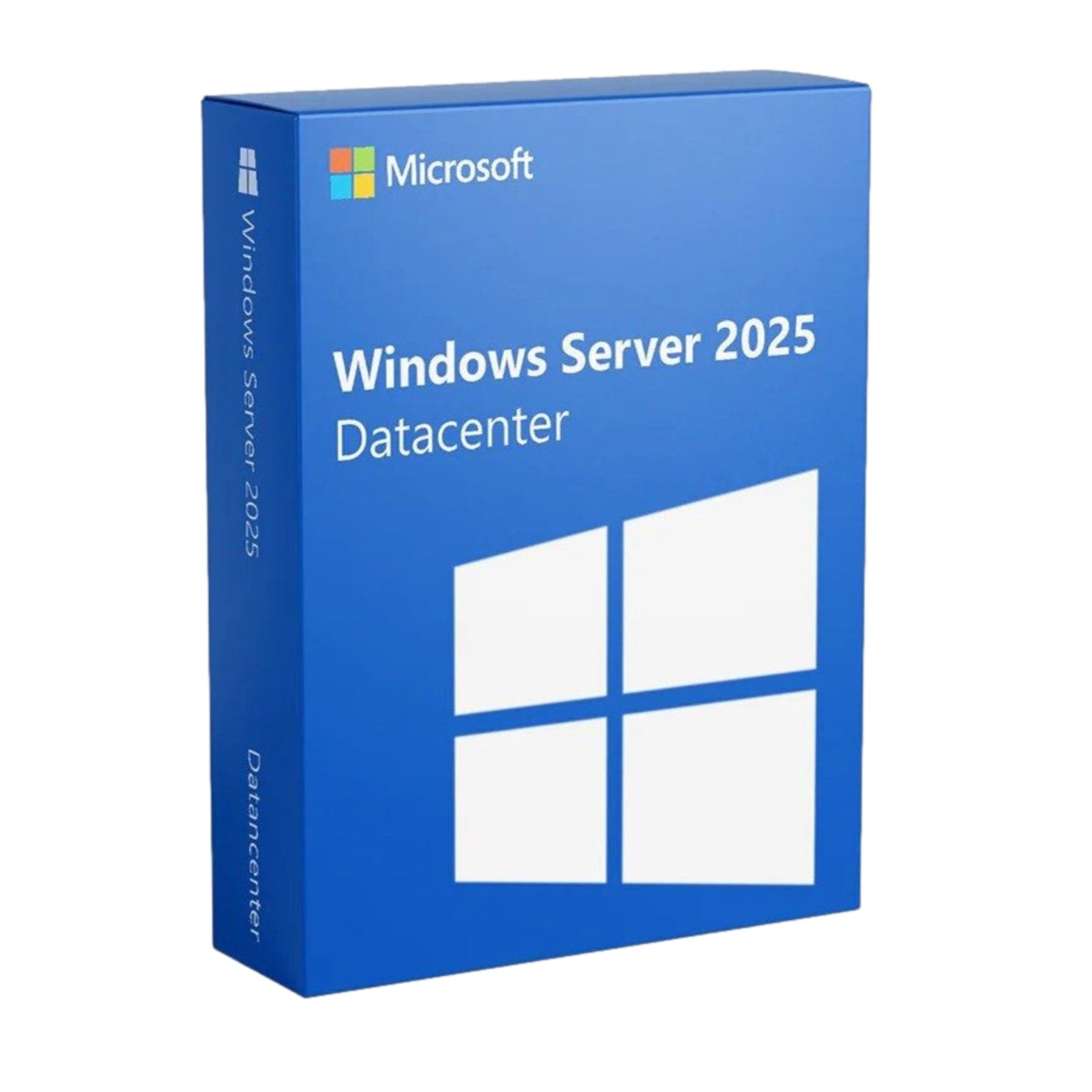
Windows Server 2025 - Data Center


Description
Windows Server 2025 Datacenter – Maximum Virtualization, Scalability and Security for Enterprise Environments
Windows Server 2025 Datacenter is the ideal solution for organizations requiring a powerful, scalable, and highly secure server environment. This retail version is specifically designed for data centers and businesses with large workloads, offering everything you need for maximum virtualization, advanced security, and optimal cloud integration.
Windows Server 2025 offers unlimited virtualization rights and robust hybrid cloud capabilities thanks to full integration with Azure via Azure Arc. This version also introduces hotpatching—allowing you to apply security updates without a reboot—and significant improvements in Active Directory, networking, security, and storage management.
Key Features of Windows Server 2025 Datacenter
Hotpatching – Install security updates without rebooting your server.
Hybrid Cloud Capabilities via Azure – Manage on-premises and cloud servers from a single environment.
Enhanced Active Directory – Supports larger objects and provides more efficient management across large networks.
Unlimited Virtualization – Run an unlimited number of virtual machines per license.
SMB over QUIC – Provide secure and fast file sharing over the internet, without a VPN.
Redesigned Desktop Experience – Modern interface inspired by Windows 11, ideal for remote management.
Flexible Storage – Easily manage large, high-availability storage solutions.
Secured-core Server – Enhanced protection against firmware and kernel attacks.
Bluetooth Support – Connect peripherals directly to your server environment.
Easy App Migration – Effortlessly migrate applications and workloads to modern infrastructures.
System requirements
Processor: 1.4 GHz 64-bit processor, compatible with x64 instruction set.
Memory: Minimum 512 MB RAM. Certain features, such as Desktop Experience or multiple VMs, require more memory.
Storage: At least 32 GB of free disk space. Additional space is required when using a hypervisor or additional server roles.
Network: Ethernet adapter capable of at least Gigabit throughput speeds (10/100/1000baseT PHY/MAC).
Other requirements: UEFI 2.3.1c-based system firmware, TPM 2.0, Secure Boot support.
Installation instructions
1. Download the software
Go to our installation page and select the correct product.
2. Remove previously installed Office versions (for Office products only)
To avoid installation problems, we recommend completely uninstalling old Office versions first. The uninstall tool can be found on the instructions page for each Office product.
3. Enter the license code and activate the software
During installation, you'll be asked for a product key. Use the license you received from us.
- For Office: Phone activation is required. Follow the on-screen instructions to complete activation.
- For Windows: Activation happens automatically after entering the code.
Need help?
Check out our frequently asked questions or contact our customer service.
Shipping & Returns
Once you have placed an order and payment is completed, you will receive the license code directly in your email.
This fast shipping allows you to activate and use your software within minutes of purchase.
Warranty
Lifetime warranty on all our licenses! At Directlicentie.nl, you not only receive lifetime support, but we also ensure you're fully covered during updates.
If you encounter an error during installation, we're here to help or offer you a new license. Choose worry-free use with our guarantees!
Our working method
At Directlicentie.nl, you can confidently purchase pre-owned software licenses. We adhere to the rules of the European Court of Justice, as laid down in the ECLI:EU:C:2012:407 ruling. This ruling stipulates that licenses may be legally resold indefinitely, provided specific conditions are met.
We only offer European licenses that were originally purchased for an indefinite period and at an economic price. We also ensure that these licenses are no longer used by the original user. This ensures you have a license you can use indefinitely.
Why choose Directlicentie.nl?
Customer satisfaction is our top priority. We understand that reliable software is essential for your work and daily life. That's why we ensure you get not only quality licenses but also excellent service.
Our team is always ready to help you with questions and offers support with installation and activation, so you can use your new software without any worries.
14-day cooling-off period
As long as the license code has not yet been opened or viewed, you can request a return within 14 days of purchase.
95% recommend us
At Directlicentie.nl, quality and customer satisfaction are our top priorities. Our customers appreciate our fast service and reliable licenses for Office and Windows. Choose certainty – choose Directlicentie.nl.
100% Satisfaction Guarantee
Our customers are the foundation of our success. That's why we strive to provide everyone with a smooth and enjoyable experience. From the moment you visit our website to the installation of your license, you can count on service that exceeds your expectations.
Recommended for you