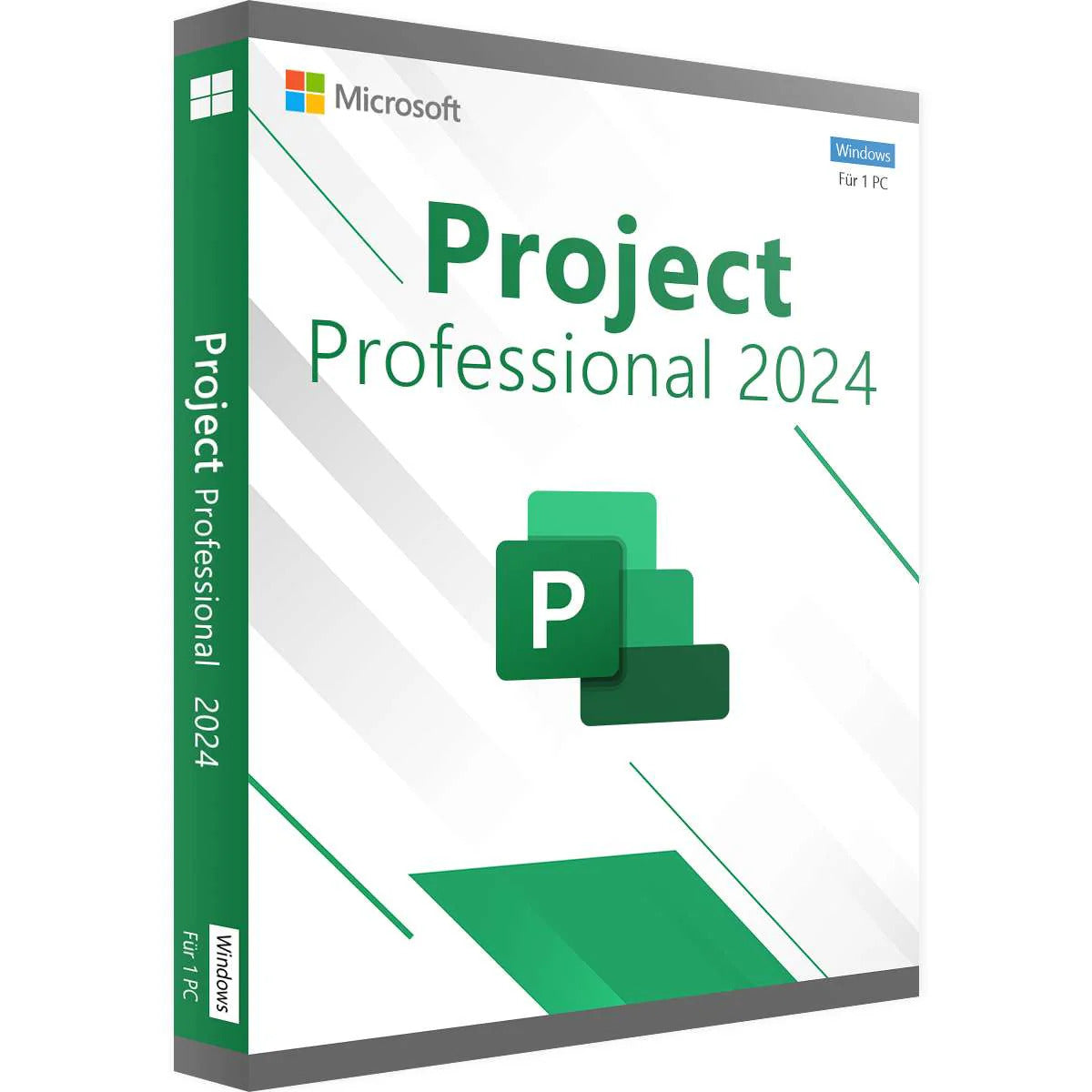
Microsoft Project Professional 2024


Description
Microsoft Project 2024 Professional LTSC: The Complete Solution for Smart Project Management
Microsoft Project Professional 2024 is designed for project leaders, teams, and organizations who want maximum control and visibility when planning, executing, and managing projects. With advanced planning tools, real-time insights, and enhanced collaboration, Project 2024 provides everything you need to successfully complete projects on time and within budget.
Whether it concerns IT implementations, construction projects, product development or business processes — Project 2024 Professional helps you create structure, priorities and insight.
Included Features
- Gantt charts and timelines – Visualize phases, deadlines, and dependencies in a clear timeline view.
- Resource planning – Monitor workload, capacity, and availability of teams, machines, and materials.
- Task and Budget Management – Schedule tasks, set priorities, and monitor costs, progress, and risks.
- Reporting & Dashboards – Create professional reports and project status overviews with a single click.
Features of Project 2024 Professional
- Intuitive Project Planning – Effortlessly create complex projects with task dependencies, milestones, and automatic scheduling.
- Advanced Resource Management – Optimize utilization and prevent bottlenecks with real-time resource management and capacity planning.
- Real-time Collaboration – Work simultaneously in the same project file across Microsoft Teams, SharePoint, and OneDrive.
- AI-driven Optimizations – Get smart suggestions for scheduling, task sequencing, and resource allocation based on historical patterns.
- Microsoft 365 Integration – Works seamlessly with Excel, Word, Power BI, Teams, and other Microsoft tools.
- One-Time License (LTSC) – No subscription; pay once for continued access.
System requirements
- Operating system: Windows 11 or Windows 10
- Processor: 1.8 GHz or faster, 2-core processor
- RAM: Minimum 4 GB (8 GB recommended for large projects)
- Disk space: 4 GB available storage space
- Display: Resolution of 1366 × 768 or higher (Full HD recommended)
- Graphics card: DirectX 12 compatible
- Internet: Required for installation, cloud features, and activation
Installation instructions
1. Download the software
Go to our installation page and select the correct product.
2. Remove previously installed Office versions (for Office products only)
To avoid installation problems, we recommend completely uninstalling old Office versions first. The uninstall tool can be found on the instructions page for each Office product.
3. Enter the license code and activate the software
During installation, you'll be asked for a product key. Use the license you received from us.
- For Office: Phone activation is required. Follow the on-screen instructions to complete activation.
- For Windows: Activation happens automatically after entering the code.
Need help?
Check out our frequently asked questions or contact our customer service.
Shipping & Returns
Once you have placed an order and payment is completed, you will receive the license code directly in your email.
This fast shipping allows you to activate and use your software within minutes of purchase.
Warranty
Lifetime warranty on all our licenses! At Directlicentie.nl, you not only receive lifetime support, but we also ensure you're fully covered during updates.
If you encounter an error during installation, we're here to help or offer you a new license. Choose worry-free use with our guarantees!
Our working method
At Directlicentie.nl, you can confidently purchase pre-owned software licenses. We adhere to the rules of the European Court of Justice, as laid down in the ECLI:EU:C:2012:407 ruling. This ruling stipulates that licenses may be legally resold indefinitely, provided specific conditions are met.
We only offer European licenses that were originally purchased for an indefinite period and at an economic price. We also ensure that these licenses are no longer used by the original user. This ensures you have a license you can use indefinitely.
Why choose Directlicentie.nl?
Customer satisfaction is our top priority. We understand that reliable software is essential for your work and daily life. That's why we ensure you get not only quality licenses but also excellent service.
Our team is always ready to help you with questions and offers support with installation and activation, so you can use your new software without any worries.
14-day cooling-off period
As long as the license code has not yet been opened or viewed, you can request a return within 14 days of purchase.
95% recommend us
At Directlicentie.nl, quality and customer satisfaction are our top priorities. Our customers appreciate our fast service and reliable licenses for Office and Windows. Choose certainty – choose Directlicentie.nl.
100% Satisfaction Guarantee
Our customers are the foundation of our success. That's why we strive to provide everyone with a smooth and enjoyable experience. From the moment you visit our website to the installation of your license, you can count on service that exceeds your expectations.
Recommended for you